
Choosing the right tool can feel like a big task. This short guide will show how to choose mobile apps with clear steps you can use today. You will learn how to set goals, test options, and pick apps that fit your needs.
Why choose mobile apps
Many people use mobile apps every day. Apps can help with work, learning, health, shopping, and staying in touch. When you know why to choose mobile apps, you make smarter choices.
Apps give fast access to services that once needed a full computer. They also let you work while on the move and save time. Good apps focus on tasks you do often and make them easier.
Some apps are built to be simple, and others have deep features. Your choice depends on what you need now and what you expect in the future. Think about growth and ease of use when you decide.
Below is a short list of common reasons people pick an app. Read the list to compare with your own needs.
- Access: Use services from anywhere on your phone.
- Speed: Complete tasks faster than on a website.
- Convenience: Features like notifications keep you updated.
- Integration: Sync with calendars, email, and other apps.
How to choose mobile apps
Start with a clear goal. Ask what problem you want the app to solve. Write one or two main outcomes you expect. This step saves time and narrows your choices.
Next, list must-have features and nice-to-have features. Must-haves are non negotiable. Nice-to-have items are bonuses you can accept later. Keep this list short and focused.
After you list features, compare several apps. Try free trials or free versions when possible. Testing multiple options helps you see which one meets your goals best.
Use the checklist below to compare apps side by side. This list helps you keep the review process fair and fast.
- Feature match: How many must-have features are present?
- Ease of use: Can you start using the app quickly?
- Reliability: Does it crash or lag?
- Support: Is help easy to find if you need it?
- Cost: Does the price match the value?
Research mobile app markets
Research gives context to your choice. Look at app stores and user reviews to see common praise and complaints. This step helps you avoid apps with frequent problems.
Compare ratings but read recent reviews for real issues. A high rating with many recent low scores can show new problems. Ratings alone do not tell the whole story.
Also check app descriptions and update notes. Frequent updates often mean active development and fixes. Sparse updates can mean the app is no longer supported.
Use categories and searches in mobile app markets to find alternatives. Try a few search terms to surface apps you might miss at first glance.
Assess features and mobile app UX
Good design makes an app easier to use. Evaluate mobile app UX by testing main tasks and noting how many steps each task takes. Fewer clear steps usually lead to better results.
Look for clear layouts, readable text, and intuitive menus. Buttons and icons should be obvious. If you need a tutorial, check how helpful it is and how long it takes to complete.
Also pay attention to accessibility. Apps that work well with voice input, larger text, or screen readers are better for many users. This matters if you share the app with others.
Below are practical points to test when you review UX. Use this list while you try the app for real tasks.
- Task flow: Can you finish key tasks in a few taps?
- Feedback: Does the app show progress or errors clearly?
- Consistent design: Are screens and actions predictable?
- Performance: Do animations and transitions feel smooth?
Security, privacy and costs
Security and privacy are critical. Check the app permissions before install. Only grant access that makes sense for the app to work. Extra permissions can be a red flag.
Read the privacy policy if possible. Look for how data is stored and shared. If the policy is missing or vague, think twice before using the app for sensitive tasks.
Plan for costs over time. Some apps are free at first and then charge for key features. Know the subscription terms and cancellation policy. This keeps your budget steady and avoids surprises.
Below is a short list of security and cost checks to run before you commit to an app.
- Permissions: Only allow what the app needs.
- Encryption: Does the app use secure methods for data?
- Privacy policy: Is data sharing explained clearly?
- Pricing model: Is the app subscription, one time, or ad supported?
Testing, launch and maintenance
Testing an app in real use is the best test. Use the app for several days to see if it meets your goals. Short tests may miss issues that appear with regular use.
When you decide to adopt an app, plan the launch. Notify team members or family about changes. Provide simple steps or training to help others start using the app smoothly.
Maintenance matters. Check how often the app updates and how responsive the developer is to bugs. An active developer usually means the app will get better over time.
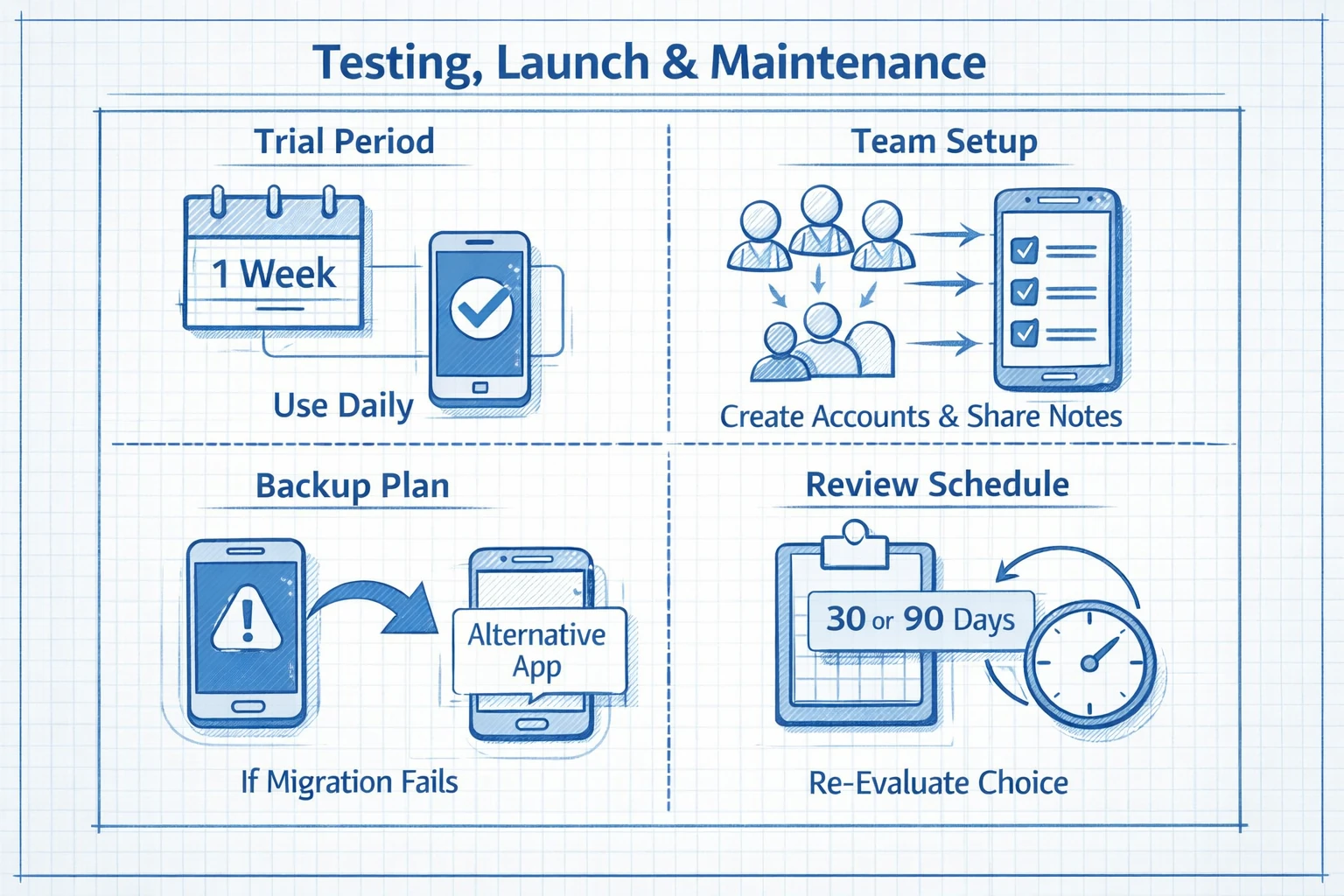
Use this short start checklist to make the transition smoother when you pick an app.
- Trial period: Use the app in your daily routine for a week.
- Team setup: Create accounts and share onboarding notes.
- Backup plan: Keep an alternative if data migration fails.
- Review schedule: Revisit the choice after 30 or 90 days.
Key Takeaways
Choosing the right app means matching features to clear goals. Start with one or two outcomes and reject apps that miss key needs. This approach keeps your selection focused and fast.
Research mobile app markets and read recent reviews. Test the top choices and compare feature checklists. Pay attention to mobile app UX and choose apps that make tasks simple.
Protect your data by reviewing permissions and privacy terms. Plan for costs and check update frequency. Active development and good support are signs of a reliable app.
Follow these steps to choose mobile apps with confidence. Test, compare, and pick the app that fits your needs now and can grow with you later. Enjoy the process and trust the data you collect during testing.
